I had a request to add a purchased product key to a server running a trial version of server 2012. We are still learning the new layout so of course the question was how?
A quick check found we could change it via a GUI. There is the command line; but, I wanted to use the GUI.
To change the license simply enter:
slui 3
This will bring up the following window:
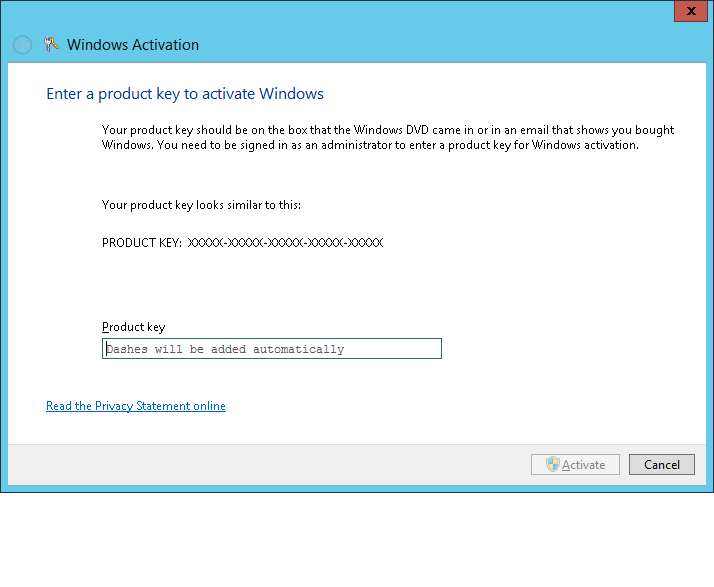
Simply cut and paste the new license, click Activate and the change will happen.
 techdork